
 VS Code Extension
One workflow engine for
every CLI coding agent
Prompt, steer, automate, and revisit every AI coding session — one prompt or a whole workflow.
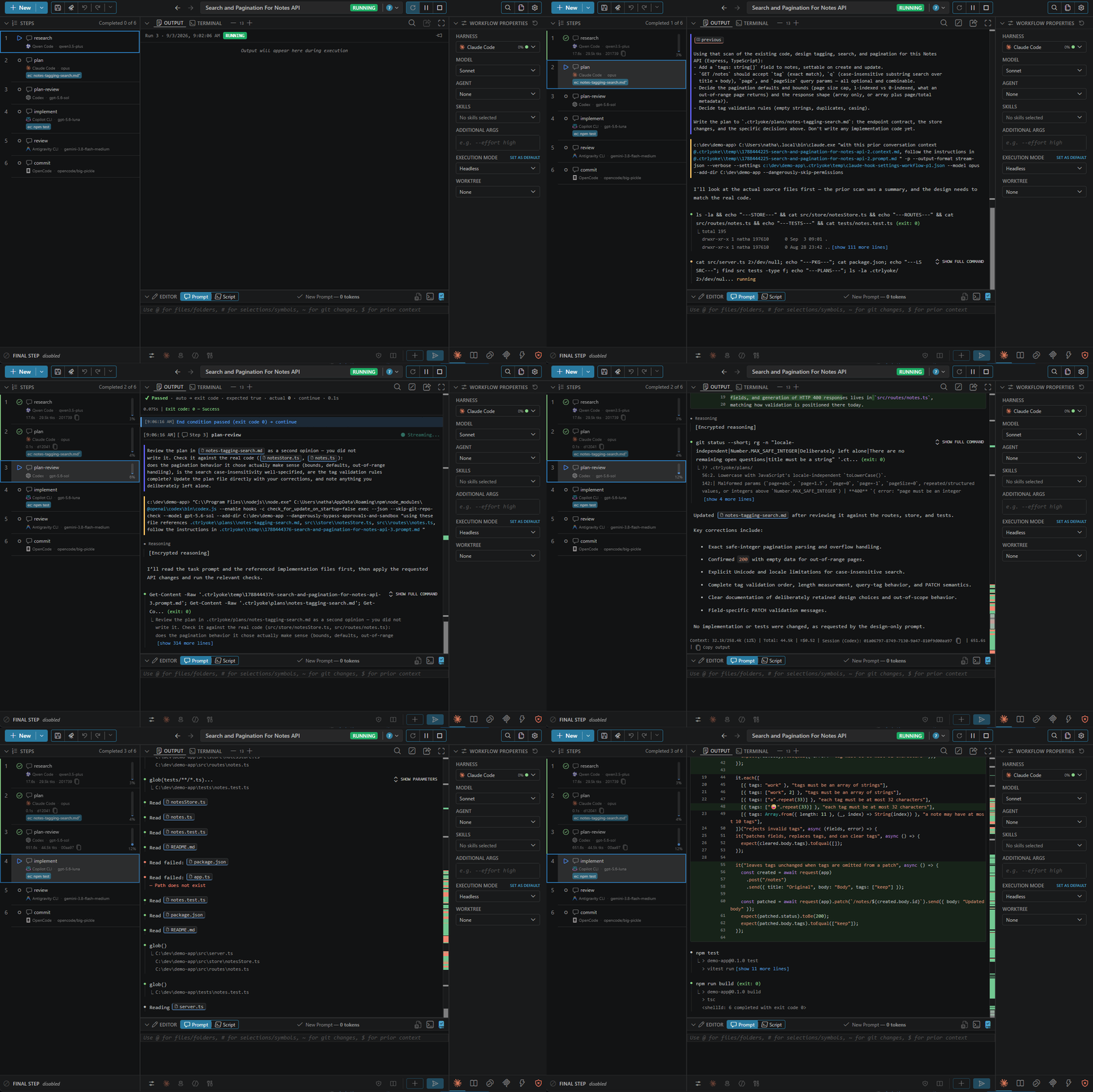
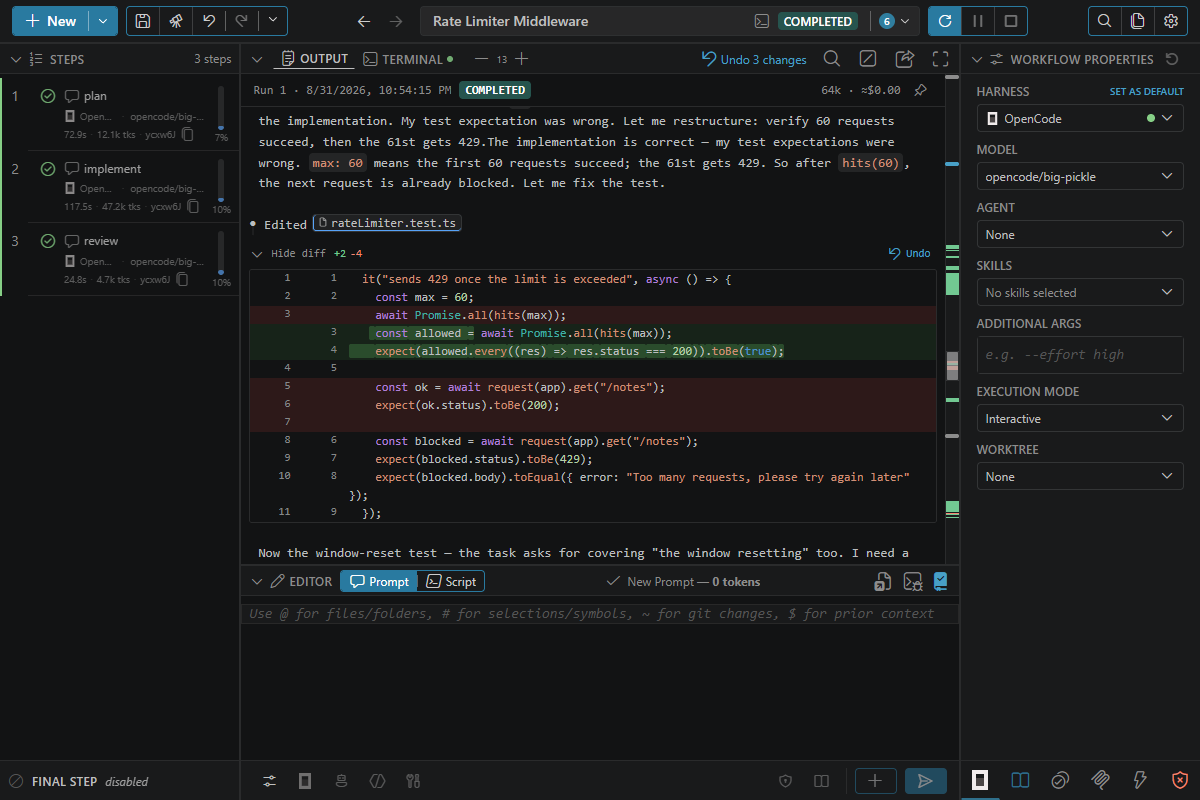
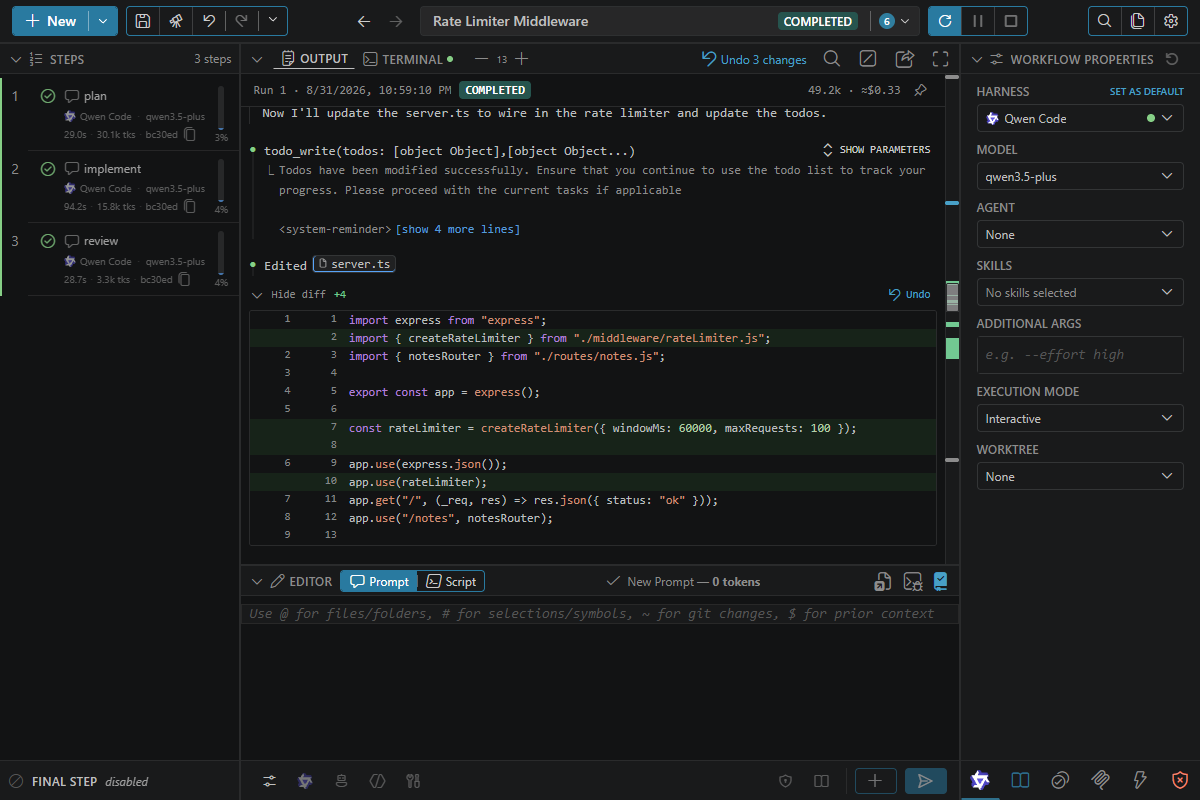
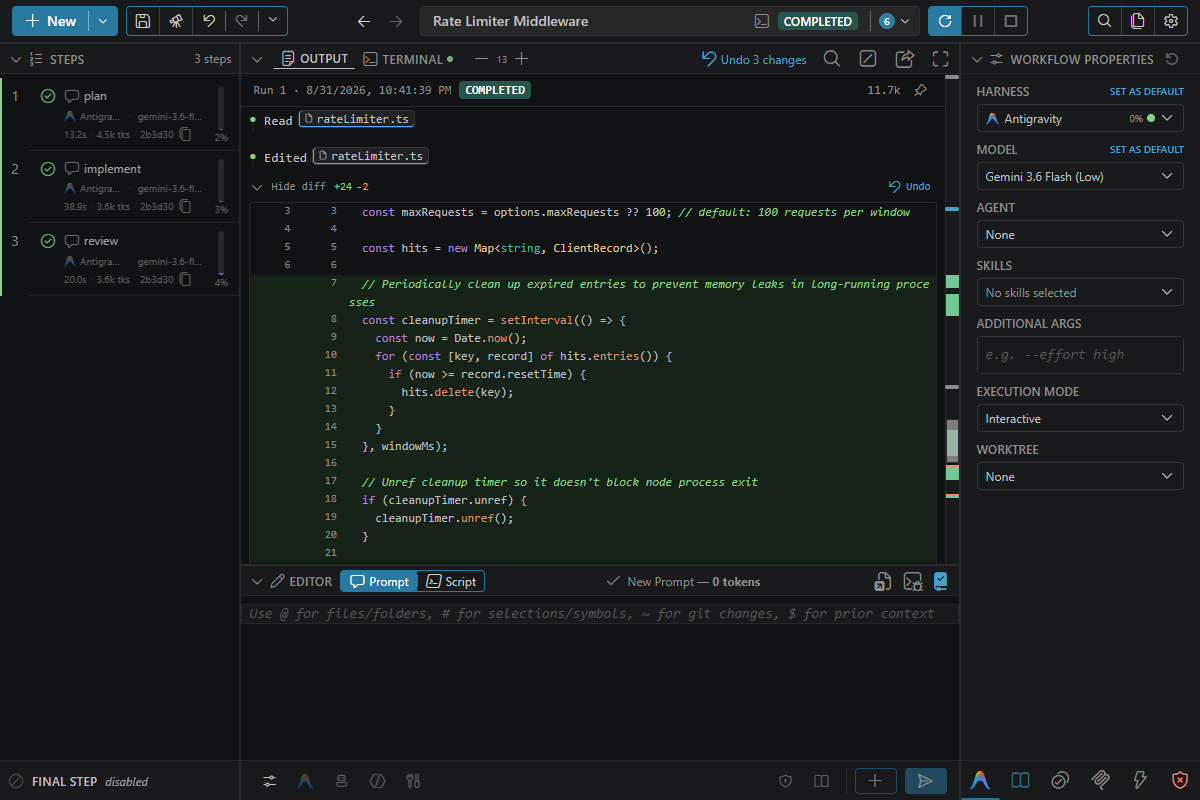
One dashboard, six harnesses
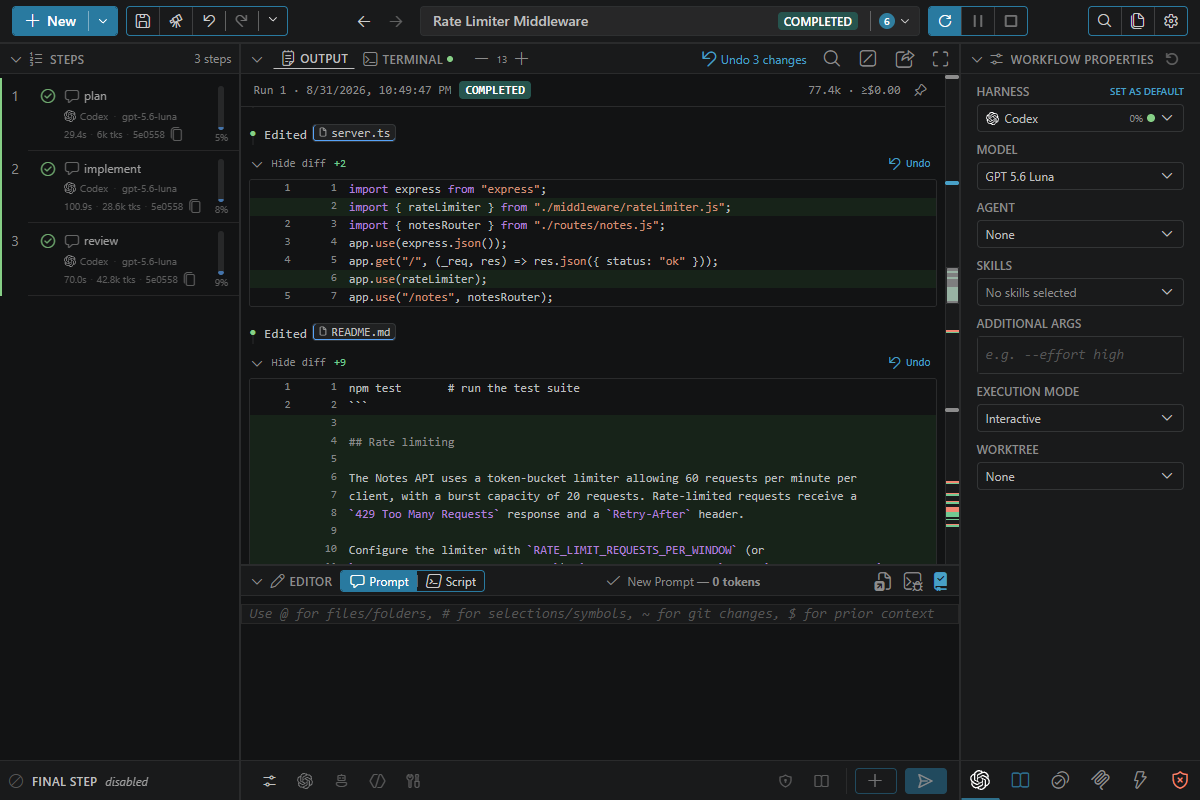
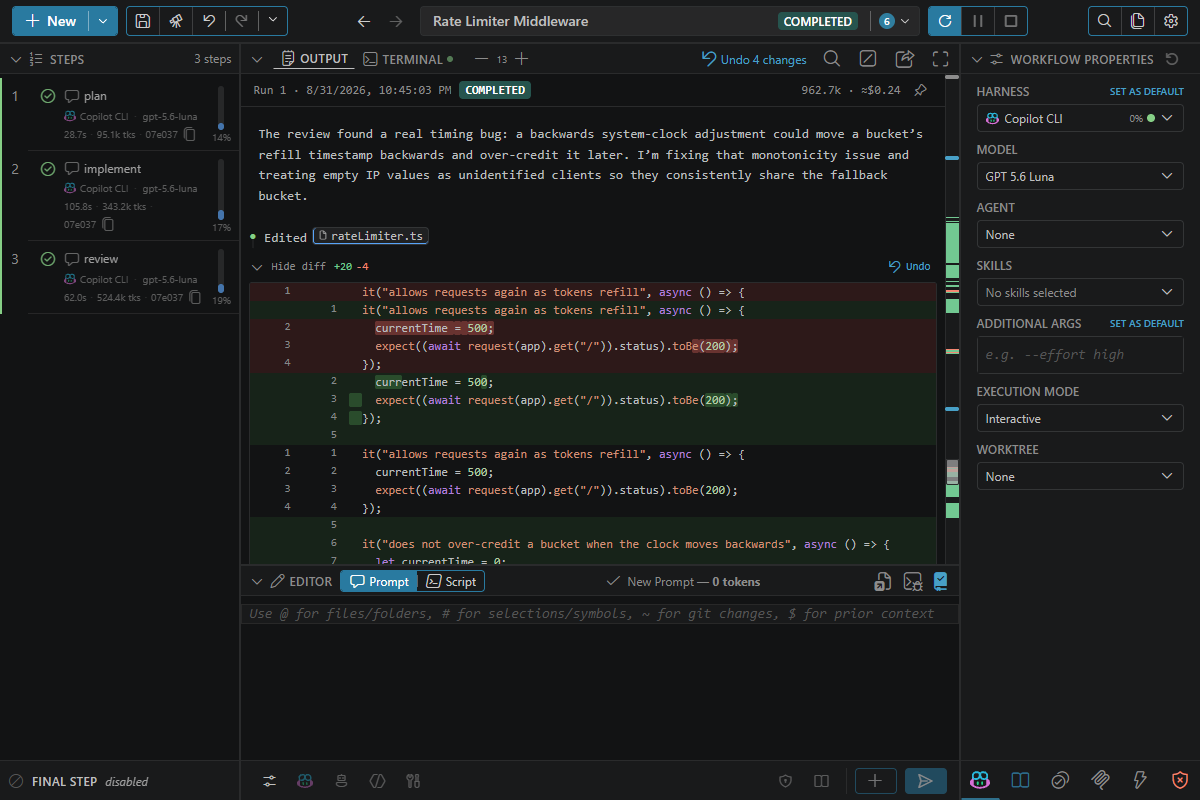
Change harnesses, not habits
 Claude Code
 Codex CLI
 Copilot CLI
 opencode
 Qwen Code
 Antigravity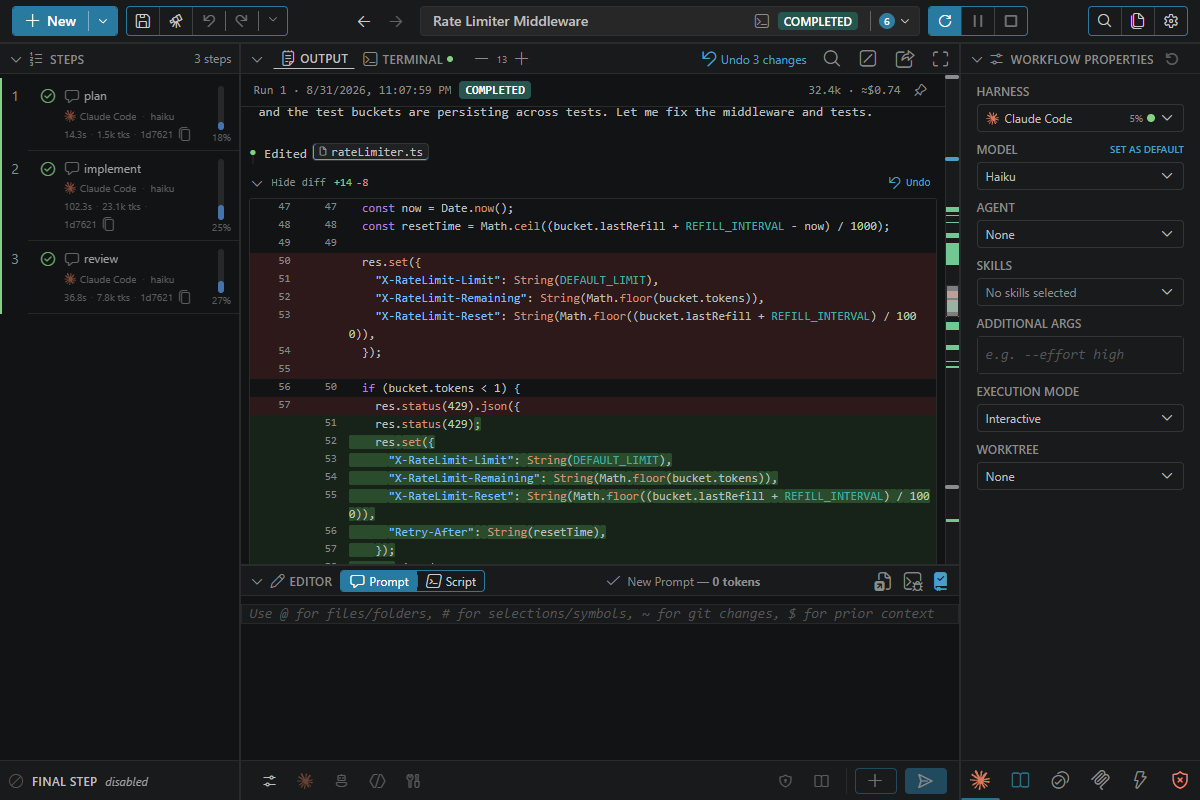
Build visually. This is the file underneath.
harness: claude-cli

steps:
  - prompt: |
      Implement the UserAuth service in src/auth.ts.
      Use the interface defined in src/types/auth.ts.
    endCondition:
      script: npm run typecheck && npm test

  - prompt: |
      Write integration tests covering login, logout,
      and token refresh. Aim for 90% branch coverage.
    endCondition:
      script: npm test -- --coverage --branches 90
One control surface for everything you do with AI harnesses
From a single richly-referenced prompt to a validated multi-step pipeline — one prompt language, one output view, one reusable toolkit underneath.
Point at the context you mean
Reference files, symbols, selections, Git changes, commits, and prior-step output — readable in the prompt, expanded before the harness sees it.
A prompt editor for real work
Context-aware completions, reference validation, expanded-context token estimates, image paste, and spell check.
Build visually. Save as code.
Compose and rearrange workflows in the dashboard, then keep the result as ordinary YAML or JSON that travels with the project.
One reversible view of every result
Normalized output, inline diffs, an output minimap, and undo/redo down to a single file — no matter which harness ran it.
Native terminal, structured control
Watch and steer the real interactive CLI in an embedded terminal while ctrlyoke builds a searchable record beside it.
Validation, not vibes
Pre- and end-conditions gate each step with the scripts your project already trusts — continue, retry, skip, or stop.
Searchable, replayable history
Find the prompt, command, diff, or answer you remember, then reopen and rerun the complete workflow around it.
One place for your toolkit
Manage agents, skills, MCP servers, and hooks once, then reuse them across every harness you run.
How it works
Prompt, steer, automate, and revisit — all from the same interface.
Prompt
Reference files, symbols, selections, and Git changes right in the editor — with completions, validation, and token estimates.
Steer
Watch and drive the native terminal directly, or let a structured workflow carry the step forward for you.
Automate
Chain prompts and scripts into a validated workflow. Retry on real output, mix harnesses, run several at once.
Revisit
Every run lands in a searchable, diffable history you can replay, export, or run again.
Take control from your phone
Scan the QR code, open the dashboard in your phone's browser, and take control of a workflow that's running on your PC — mid-step, from wherever you are.
Code from anywhere
ctrlyoke Pro unlocks the remote dashboard — open your running workflows in any browser, on any device, from anywhere on your network. Start a long task, close your laptop, check in from your phone.
Get started free
Free forever for individuals and small teams. Install in seconds from the VS Code Marketplace.